
compositing in apple keynote
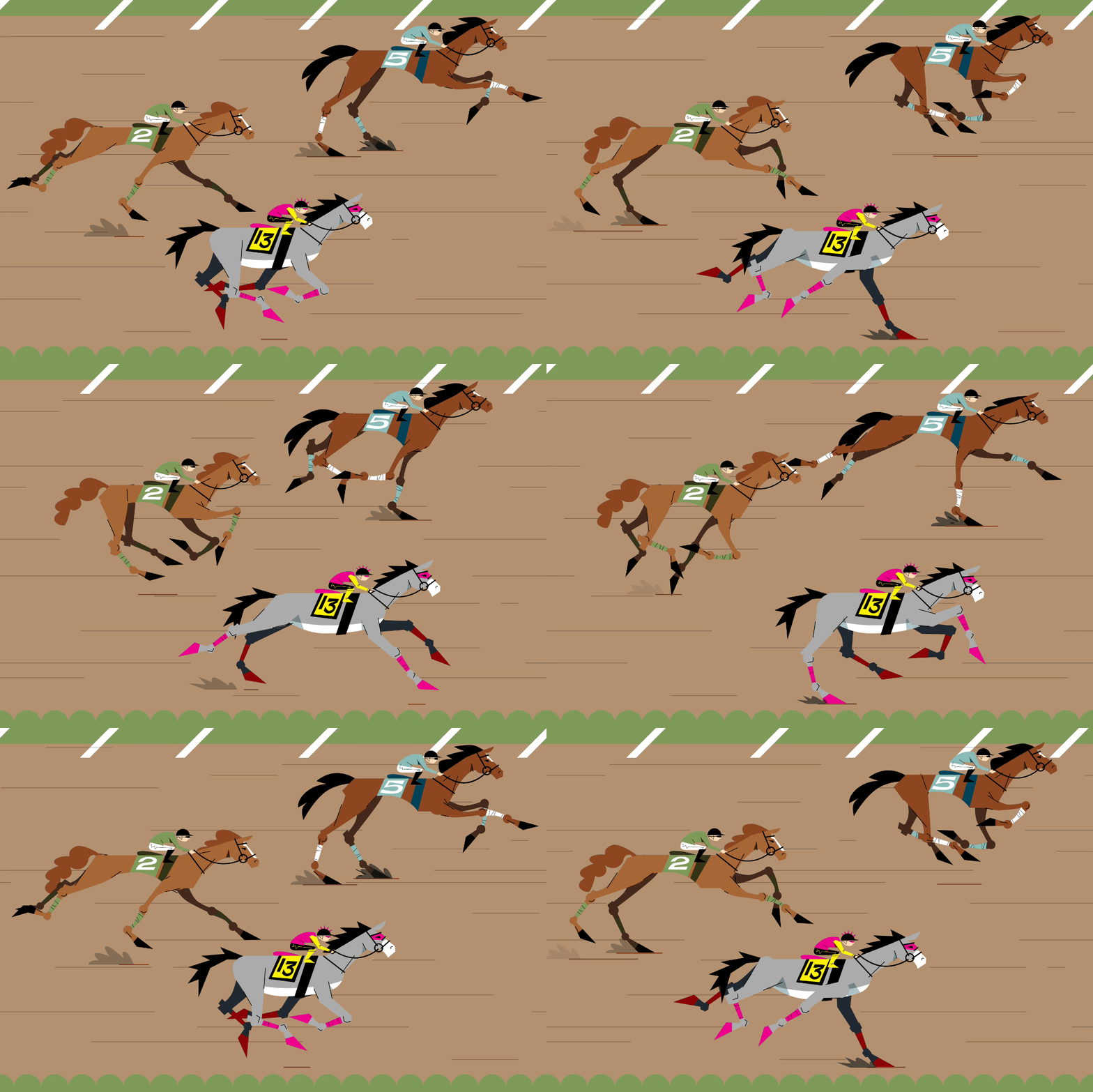
Three animated horse loops composited over a looping background
Compositing is a game changer. I soon discovered and implemented this when I got a new Mac Mini thus an upgraded Apple Keynote. I’m kinda glad I cracked my 10-year-old Macbook Pro’s screen. =P
Key features (new to me):
Transparent movies and gifs (set slide’s and master slide’s current fill to “no fill”)
Movie and gifs “play movie across slides” through transitions (including Magic Move!) (2020)
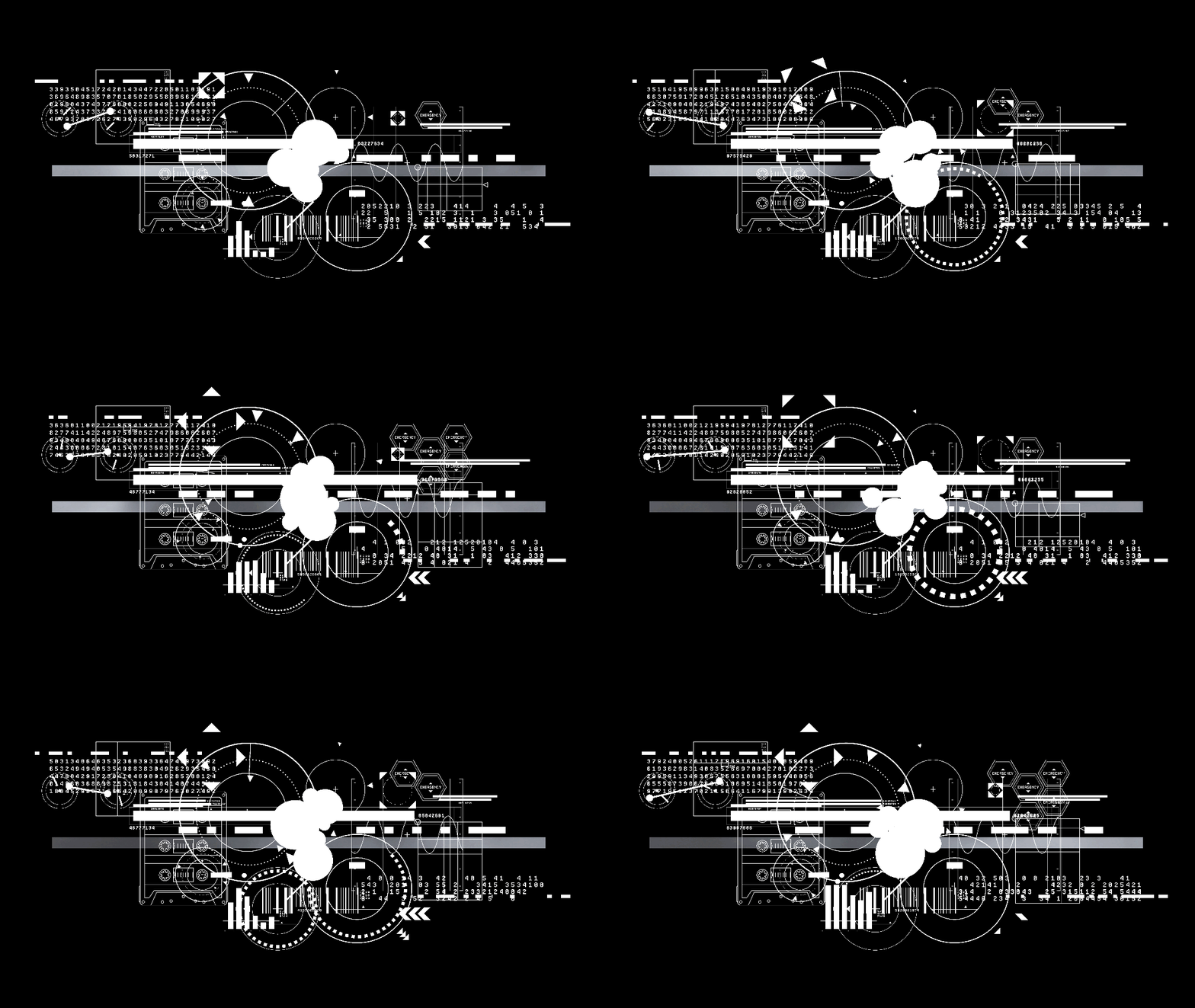

HUD GIFS AND PERSONAL REBRAND
I have always loved techy heads-up displays and made a lot of individual elements. Been using them for my music reels and personal “rebrand.” In both examples above, 20+ gifs play concurrently over one slide.
When “no fill” is on, the background is black unlike Photoshop’s checkerboard.
With each gif, set the Build Order to play automatically with transition (start movie on click: off), loop, play WITH (not after) previous build.
KENTUCKY DERBY FOR BLOOMBERG
Each horse was animated separately in 12 frames creating a 0.5 second loop. Thank goodness for Edward Muybridge for reference via The Met’s Open Access.
The final loop consists of three horse loops over the background loop with two frames set at 1 second with Magic Move with each horse moving forward and back. The final loop is only 2 seconds and took six days from start to finish.
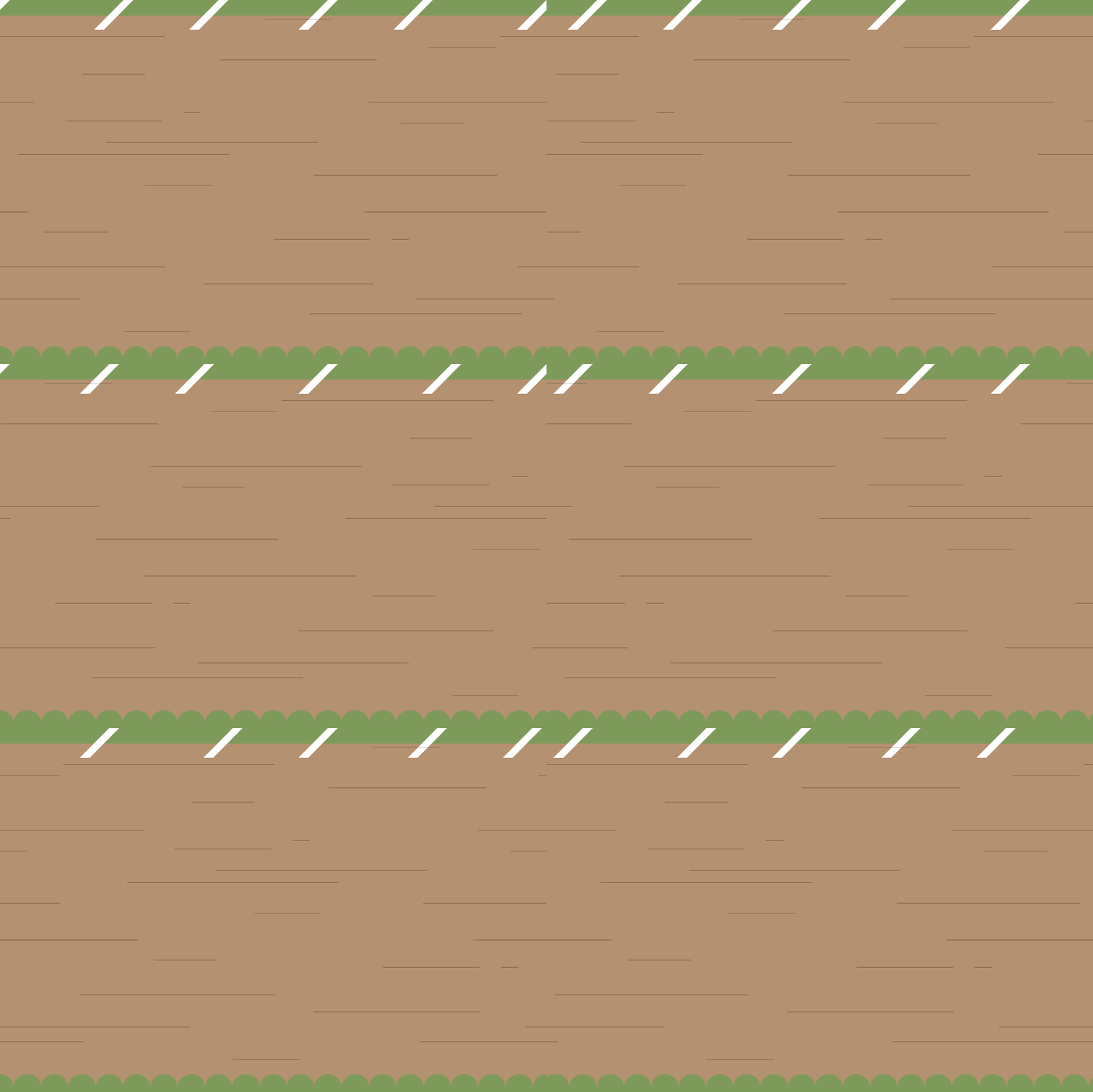
The scrolling background was a breakthrough. The first and last frame have to be identical where the last frame has zero transition and zero delay to do a hard reset. A two frame wide image where the left and right edges, and center (!!!) have to match slid from right to left in 0.25 seconds.
The math used to hurt my brain. Previously, I did EVERYTHING in one go (objects, characters, background). See below.

Notes:
• Keep in mind gifs export 1080p on its longest side. I made a 1080px square template for my HUD gifs. Selecting is a tad tricky since transparent areas aren’t clickable.
• Movies can export at any size, I suggest keeping the dimensions tight to the art since the entire movie is clickable / selectable.
rethink:
• Animated objects can just appear, not loop perfectly and can just exist / “blip” in.
• Loops can be imperfect and don’t have to sync or loop perfectly (except when they have to!).
Thanks for learning and reading. As usual, I will keep updating this! =)